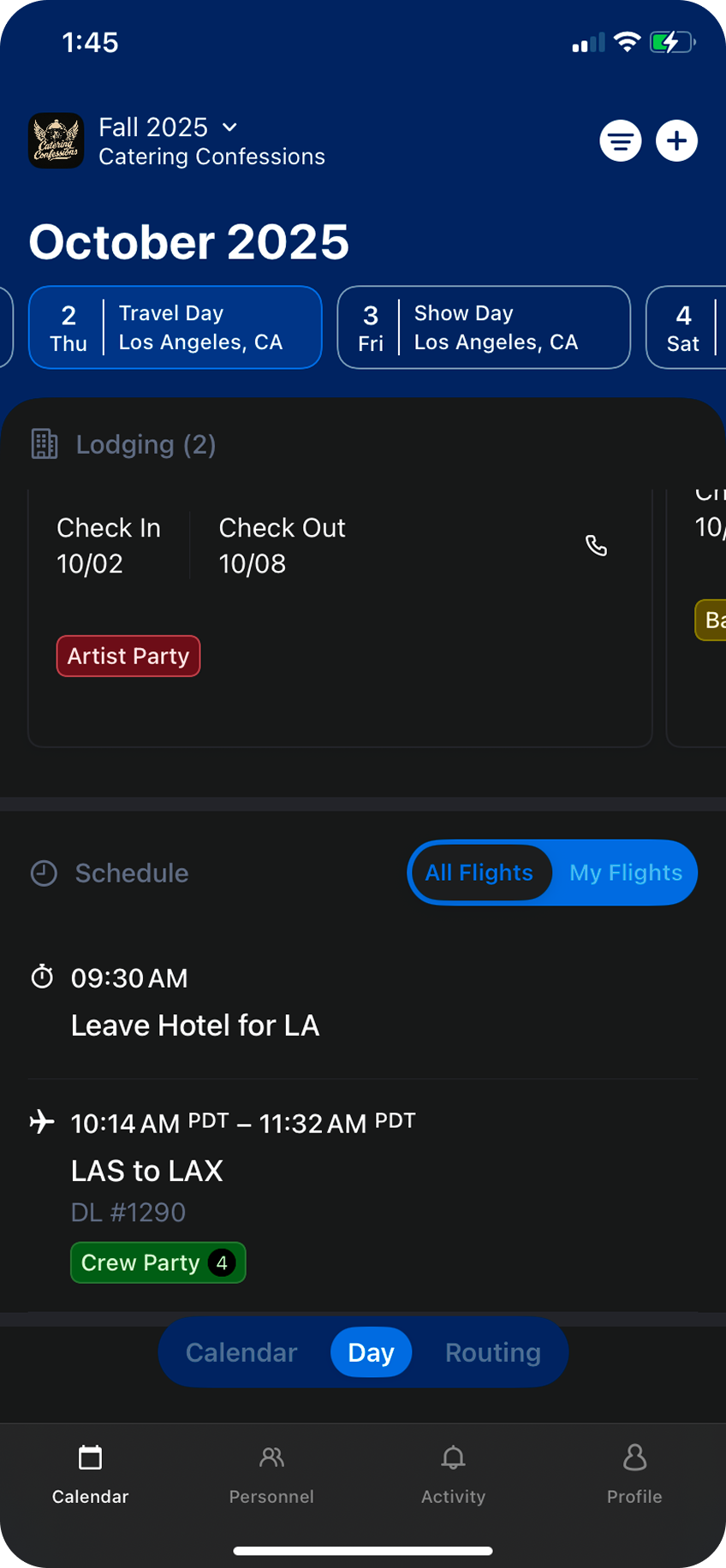
To add a new flight, start by clicking on the
Choose
+ button in the top right corner.Choose
Add a Flight from the menu.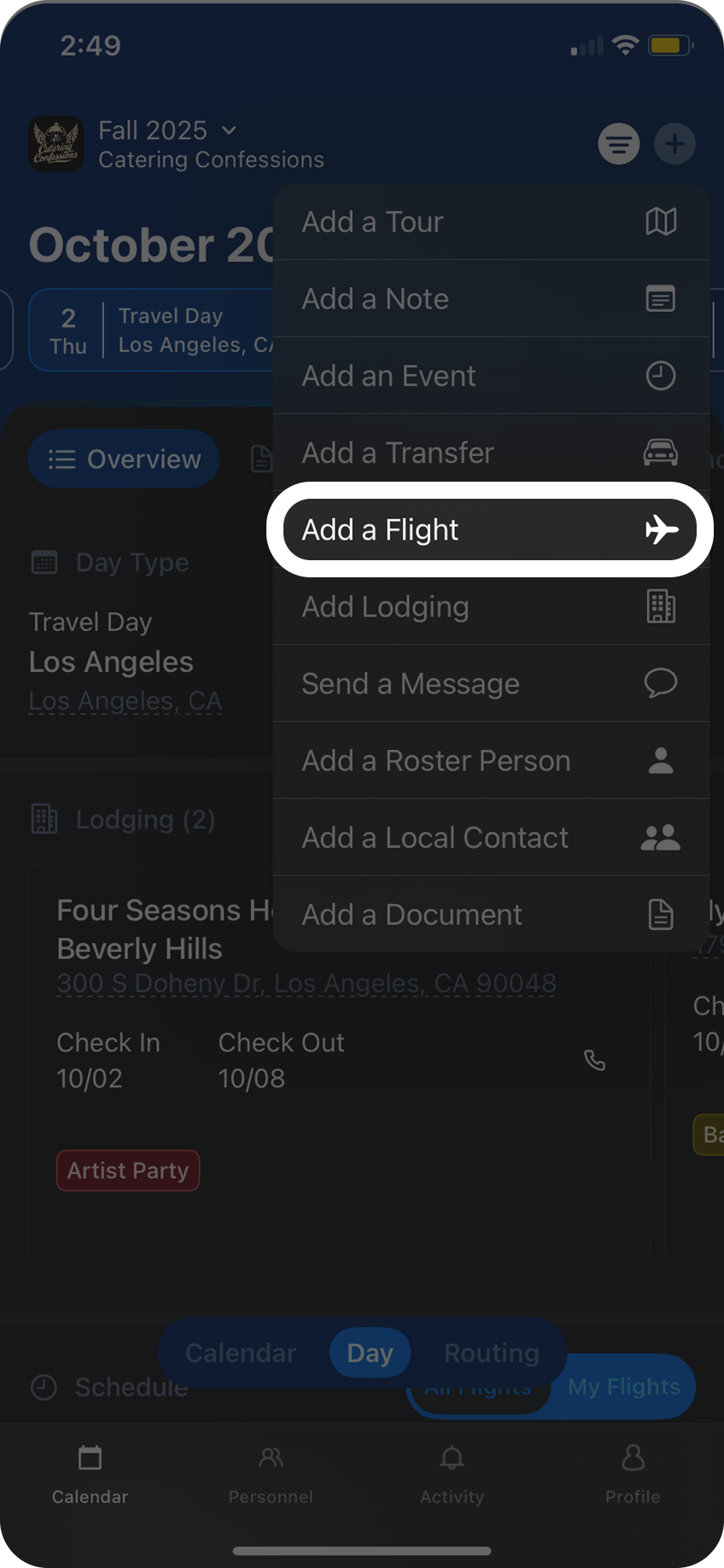
From here search for the Airline you’ll be flying with, and next enter the flight number. Flight numbers typically only contain numbers, so for example if the flight is DL1290, type in DL for the airline, and 1290 for the flight number.
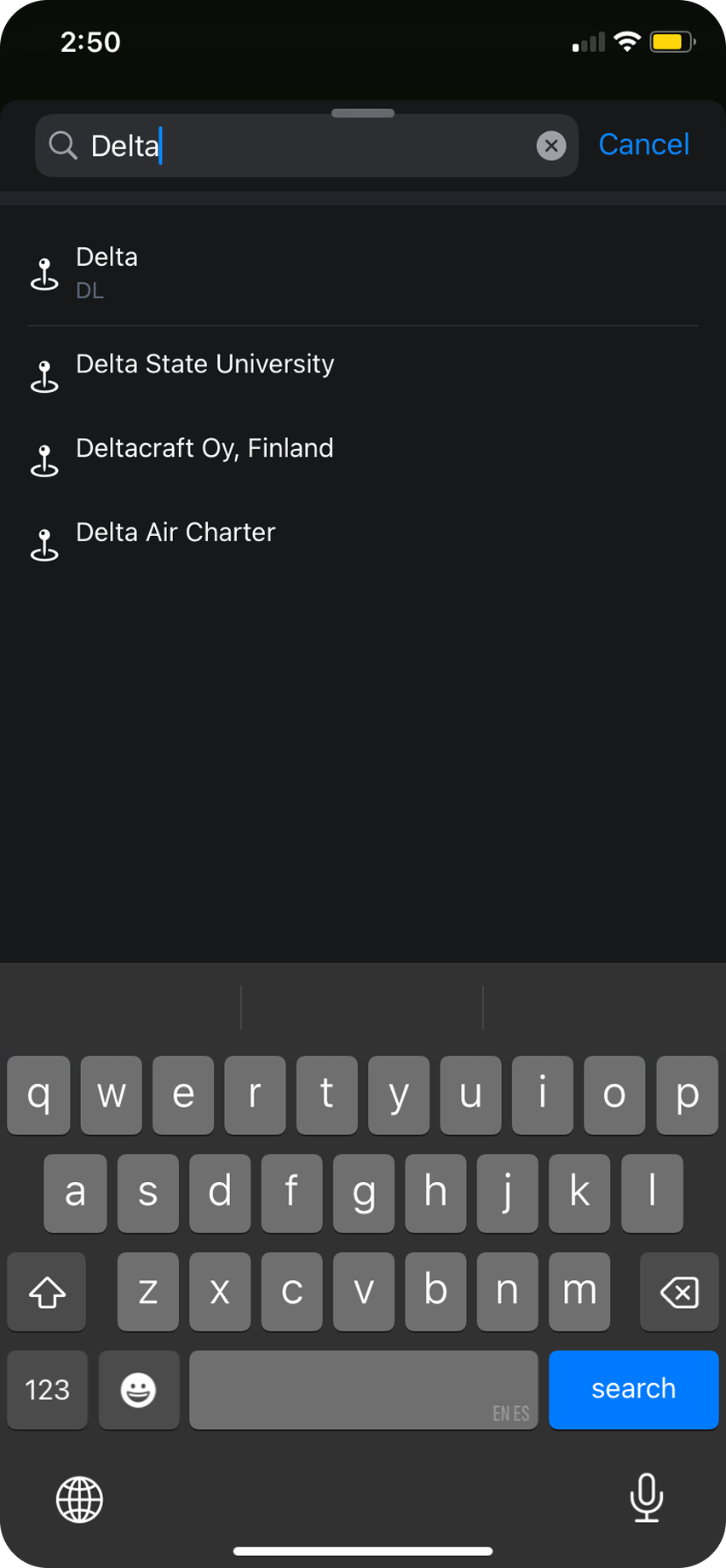
Once you click search Daysheets will look for the flight information, and add it under
Selected Flights. If your trip has a layover, use the flight search again to add the additional flight.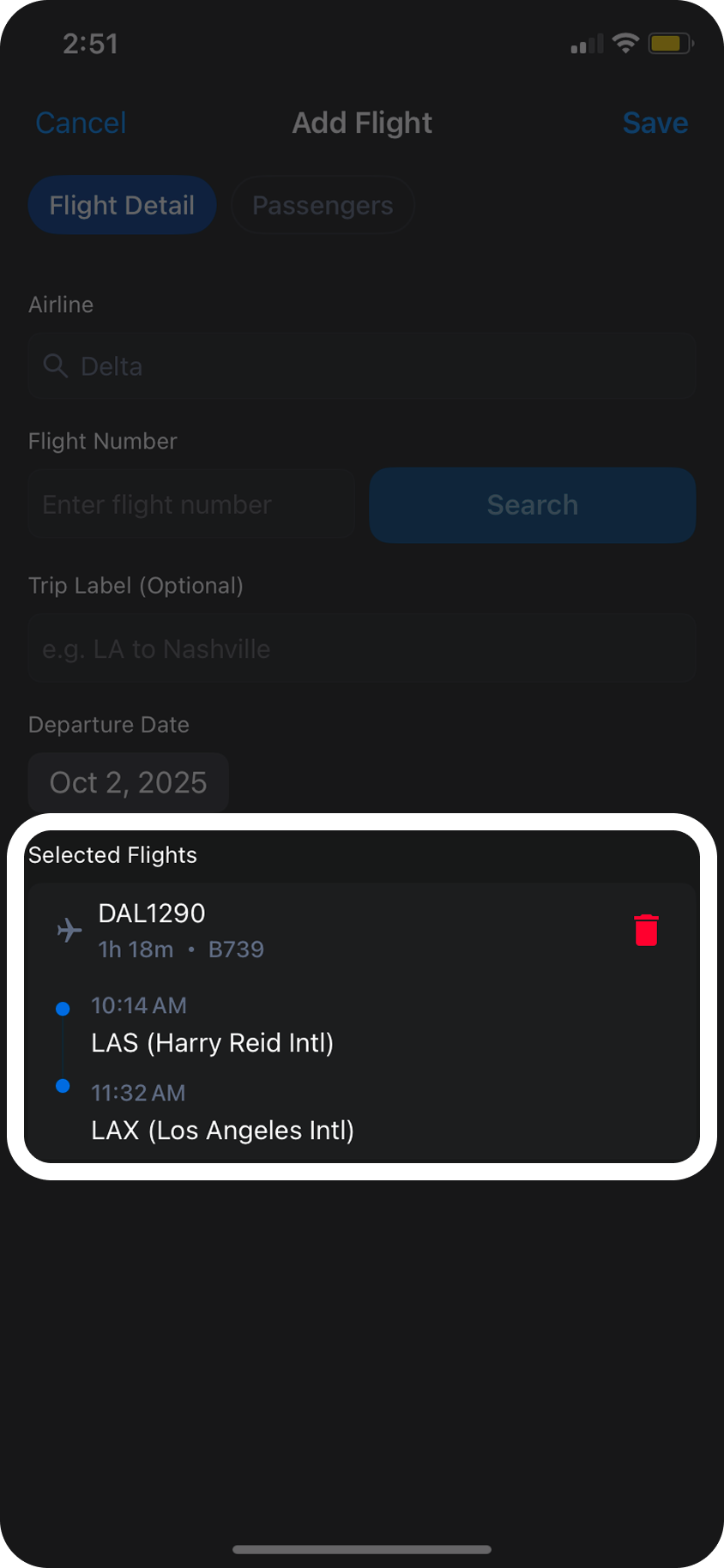
If all of the information that was added looks correct, click
Save and the flight will now appear in the schedule on your day view.