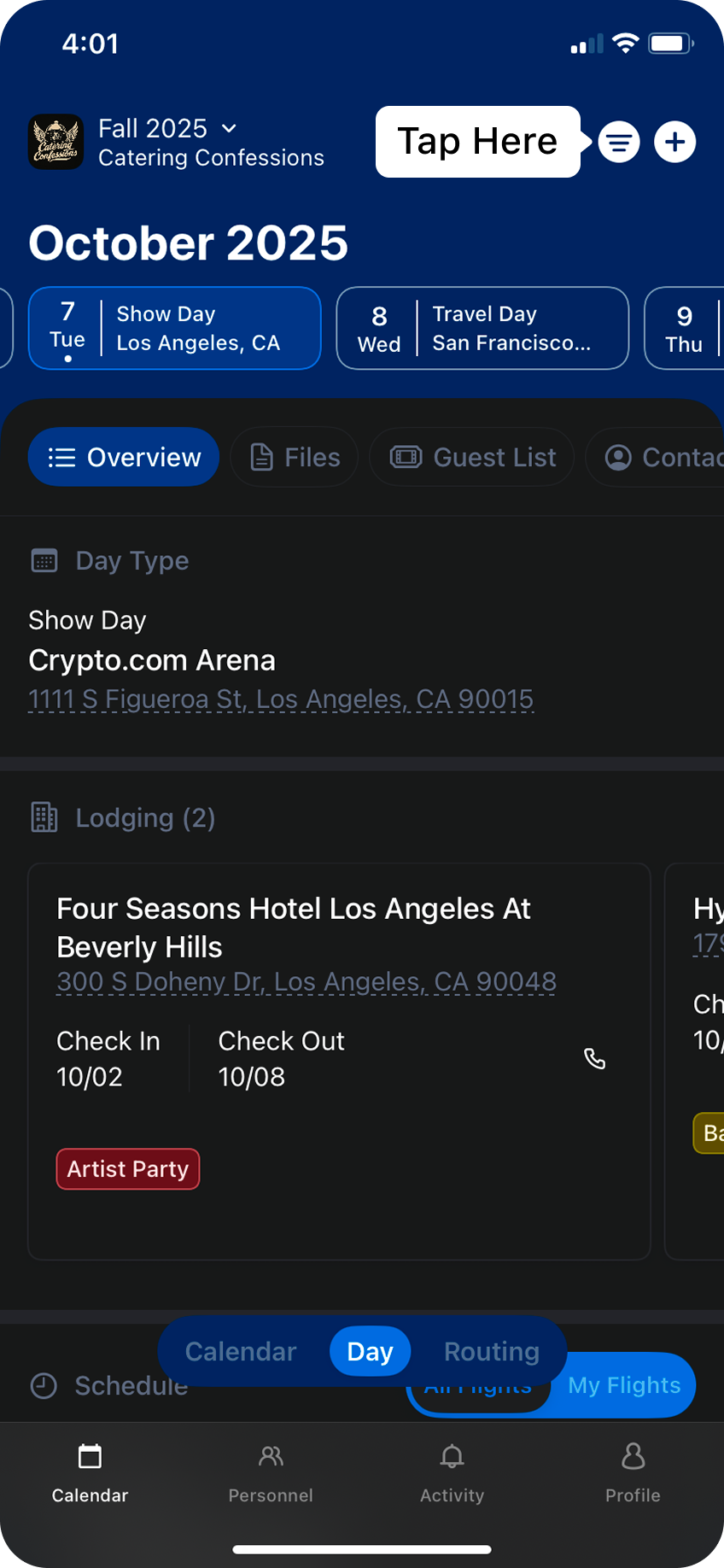
Daysheets allows admins to filter events and reservations to specific groups and individuals, giving you a preview of what your team members will see on their app.
To access the menu, tap the filter icon in the top right hand corner of the page.
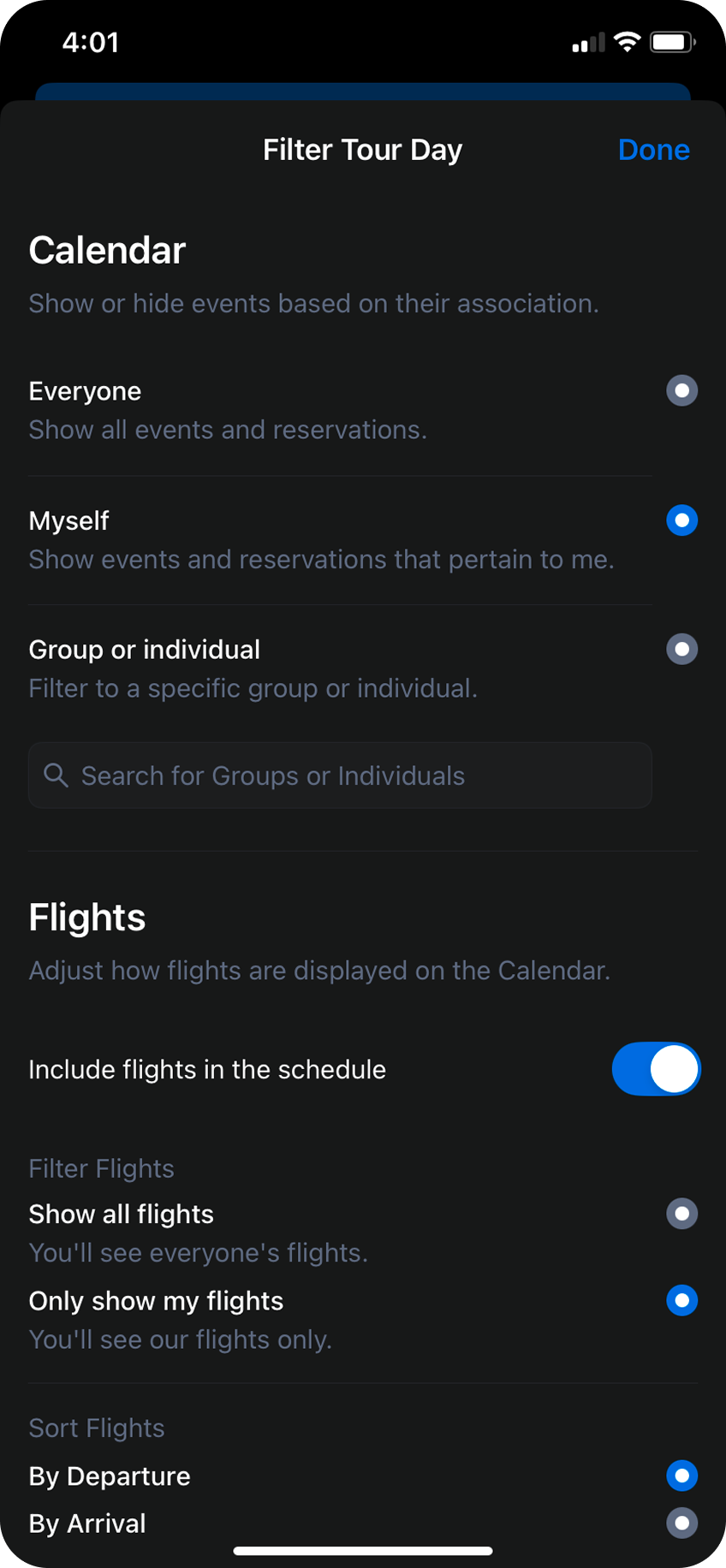
From the filter menu, you can adjust the filter to apply various settings:
Everyone: see every event and reservation across the tour
Myself: see events and reservations that you are tagged in, or untagged events that everyone can see.
Group or Individual: use the search bar to preview what the mobile app looks like for the selected group.
setting from Everyone to Myself to see only the events that are relevant to you. Toggling to Everyone will show every event that pertains to anyone who is a part of your group.
On busy travel days, you can also adjust how flights are presented. Daysheets gives you the flexibility to filter flights to yourself, sort by departure or arrival, or hide the flights from the schedule entirely.
The busiest of days can become sensory overload, with Daysheets we give you the flexibility to narrow down to just the details you need.
⌘I
Assistant
Responses are generated using AI and may contain mistakes.